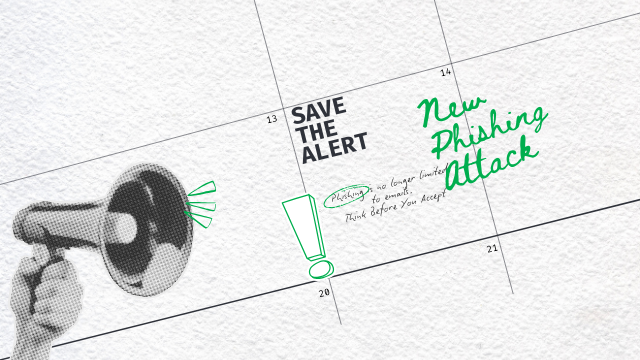
Think Before You Accept
Phishing is no longer limited to emails.
Cybercriminals are now abusing Outlook and Microsoft Teams calendar invitations to launch highly convincing phishing attacks. These invites appear routine, trusted, and often bypass traditional email security controls—making them far more dangerous.
Calendar-based phishing exploits a simple reality: people trust meeting invites.
How Calendar Phishing Works
Attackers send malicious meeting invitations that look legitimate and urgent, such as:
- “Mandatory HR Update”
- “Critical Security Briefing”
- “Salary Review Meeting”
Malicious links are hidden in:
- The meeting description
- The location field
- Embedded notes
One click can lead to credential theft or malware execution.
Why This Threat Is Hard to Detect
Calendar invites:
- Are perceived as system-generated
- They are often accepted without scrutiny
- Can bypass standard email filtering
This makes them an ideal delivery mechanism for modern phishing campaigns.
Think Before You Accept
Before accepting any meeting invite, ask:
- Do I know the organizer?
- Was this meeting expected?
- Does it contain unusual or external links?
If something feels off, don’t click.
What To Do If You Suspect a Fake Invite
- Do not interact with the invite
- Do not decline it immediately
- Report it to your IT or Security team
- Delete it only after validation
Early reporting helps protect everyone.
How TEKNOLOGIIA Stops Phishing
Teknologiia uses a layered defense approach to block phishing across email and collaboration tools:
- SPF, DKIM, DMARC (p=reject) to stop spoofing
- Advanced Exchange Online rules
- Anti-impersonation and executive protection
- Safe Links & Safe Attachments sandboxing
- Bulk email and reputation filtering
- AI-driven detection and post-delivery remediation
- User awareness and MFA enforcement
This approach enables near-99% phishing prevention and customer satisfaction.
Final Word
Phishing has evolved—and so must our defenses.
Stay alert.
Stay skeptical.
And always think before you accept.
TEKNOLOGIIA’s experts are ready to help
Related: How to Report a Phishing Email in Microsoft 365 and Turning Every Report into Action: Smarter Phishing Detection at TEKNOLOGIIA.